Archived by accident
Don't worry, archived imports or files are not lost, just hidden by default. You can unarchive them at any time.
How to unarchive an import or a file
1. Show archived imports
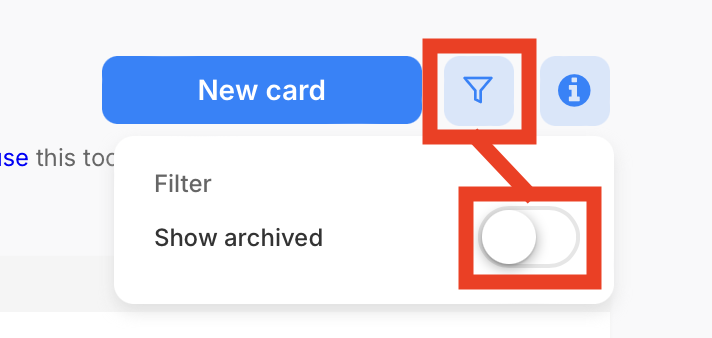
To show archived imports, go to the import overview and click on the filter icon in the top right corner. Then select "Show archived".
2. Unarchive an import
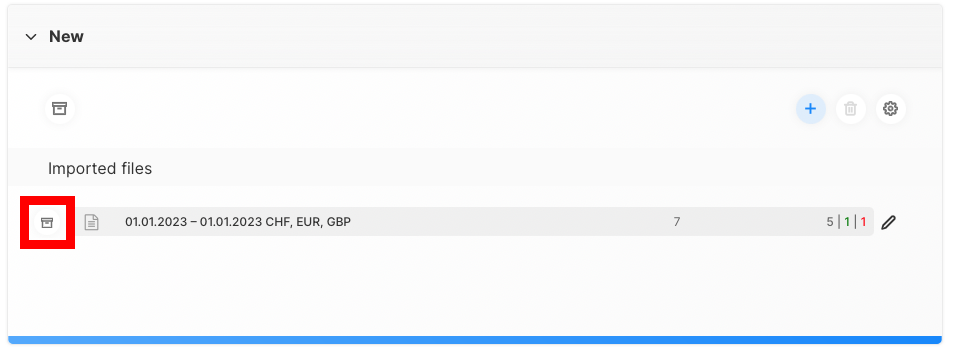
Now you should be able to see all archived imports. To unarchive an import, simply click on the "Archive" button in the import (or next to a file if you want to unarchive a specific file).
Unarchive an import

Unarchive an file